Calendar
Opens with a long press on the date, under the clock (a long press on the time opens the alarm clock); another gesture can be chosen in the blueprint (home screen).
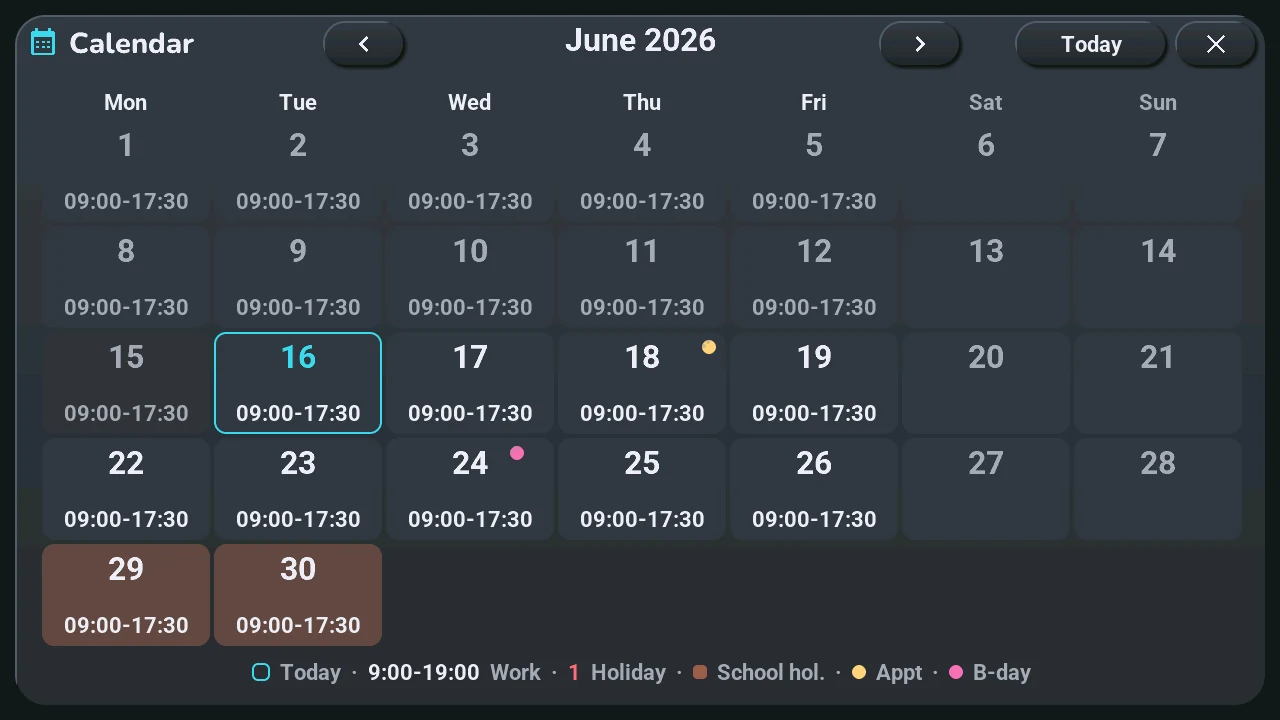
- ‹ and ›: the previous or next month. Today: back to the current month.
- Each day shows its work hours (in pink when the day starts before 9:00). The legend at the bottom gives the rest: today framed, a public holiday's number in red, school holidays in a coloured cell, a gold dot for an appointment, a pink dot for a birthday.
- Tap a day: its detail.
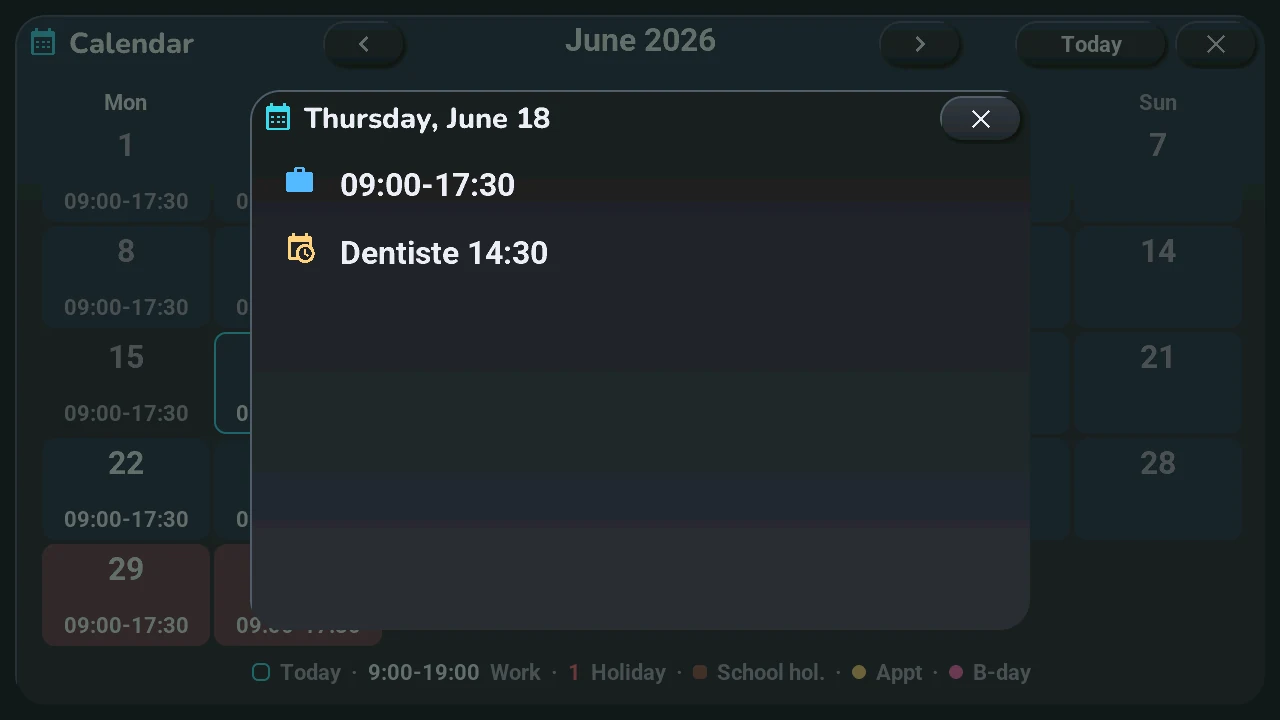
The detail lists the day's holiday, school holidays, work hours, appointments with their time and birthdays. Its ×, or a tap around it, brings the month back.
The grid of days works without Home Assistant; the hours and events come from your calendars (step 5). An appointment you just added is not there yet? The tablet's « Recharger le calendrier » button, in Home Assistant, asks again.