Shutters
Opens with a long press on a shutter or a valve (its card in device mode, or the weather icon of a card that holds it), then Details among its quick actions: on its room, with that shutter selected. Also with « Aller à l'écran » → Volet from Home Assistant (the option keeps that name), the navigation wheel (Appareils → Volets), or a home page gesture set to Shutters of the room shown: on the room shown on the home page, or the first one that has shutters. A tap on a shutter's card stops it while it moves, closes it when it is open, opens it otherwise (bottom row).
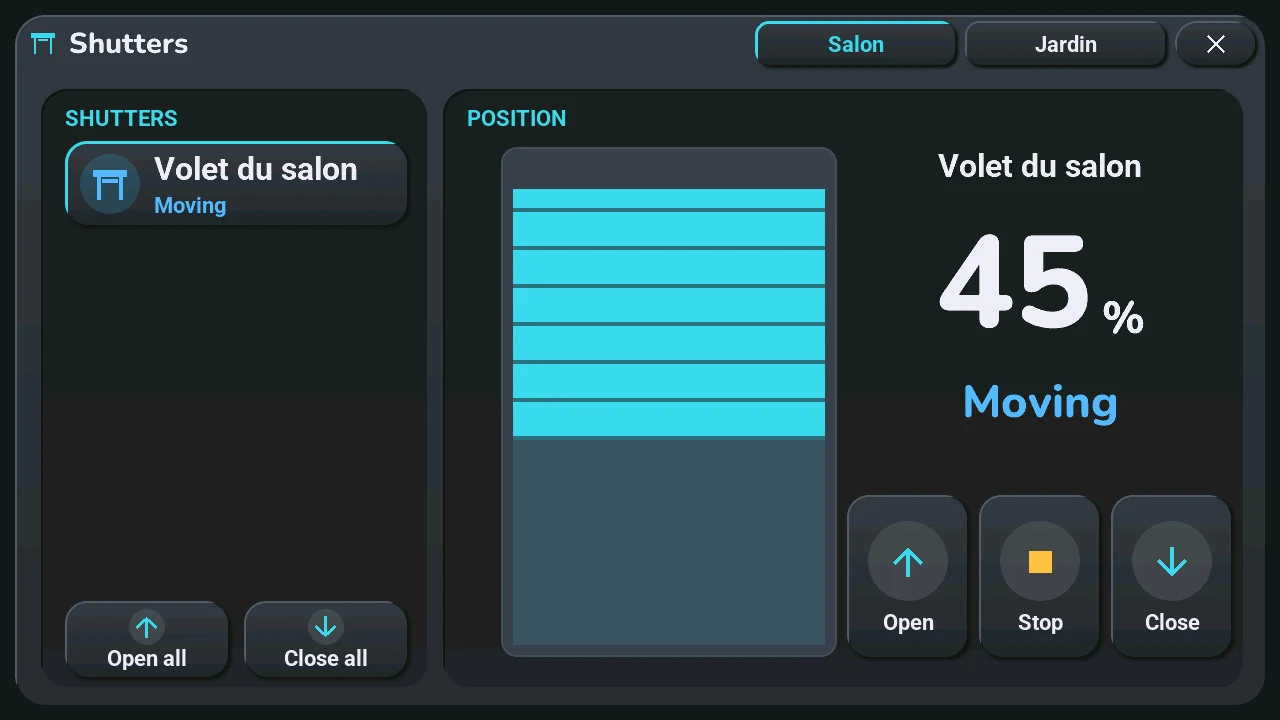
One page per room: every shutter of the house, room by room, like the lights. The names of the rooms are at the top, next to the ×: swipe left or right (except on the drawn shutter) or tap a room's name. One room only: no names, no swipe. Five shutters per page: a room with more takes several pages (« Living room 2/3 »).
Shutters (left)
- The shutters of the room, up to five, each with its icon, its name and its state, like its card. The selected one is framed: the right side shows it. A tap on another one: the window now shows it.
- Tap the round icon of a shutter: what a tap on its card does (stop, close or open).
- Long press a shutter: its quick actions, around its icon.
- Open all, Close all: every shutter of the room shown, on all its pages.
Position (right), for the selected shutter
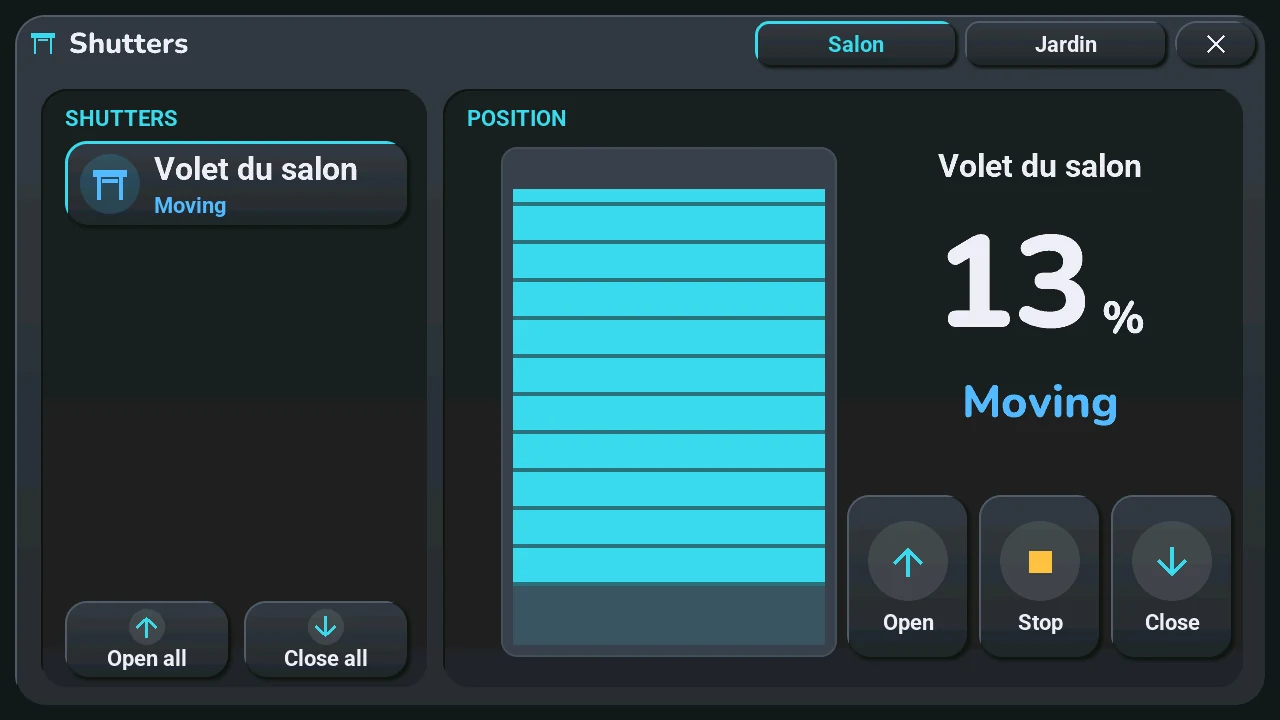
- A drawn shutter: its slats come down from the top as the shutter closes.
- Drag it up or down with a finger, from anywhere on the window, and lift your finger: the shutter goes to that position. The drawing and the number follow your finger; nothing leaves while you drag, and a simple touch sends nothing.
- To its right, its name, the position in large digits and the state in words: « Open », « Closed », « Partly open », « Moving », « Offline ».
- The drawing follows the real shutter while it moves, never under your finger.
- Open, Stop, Close, at the bottom right.
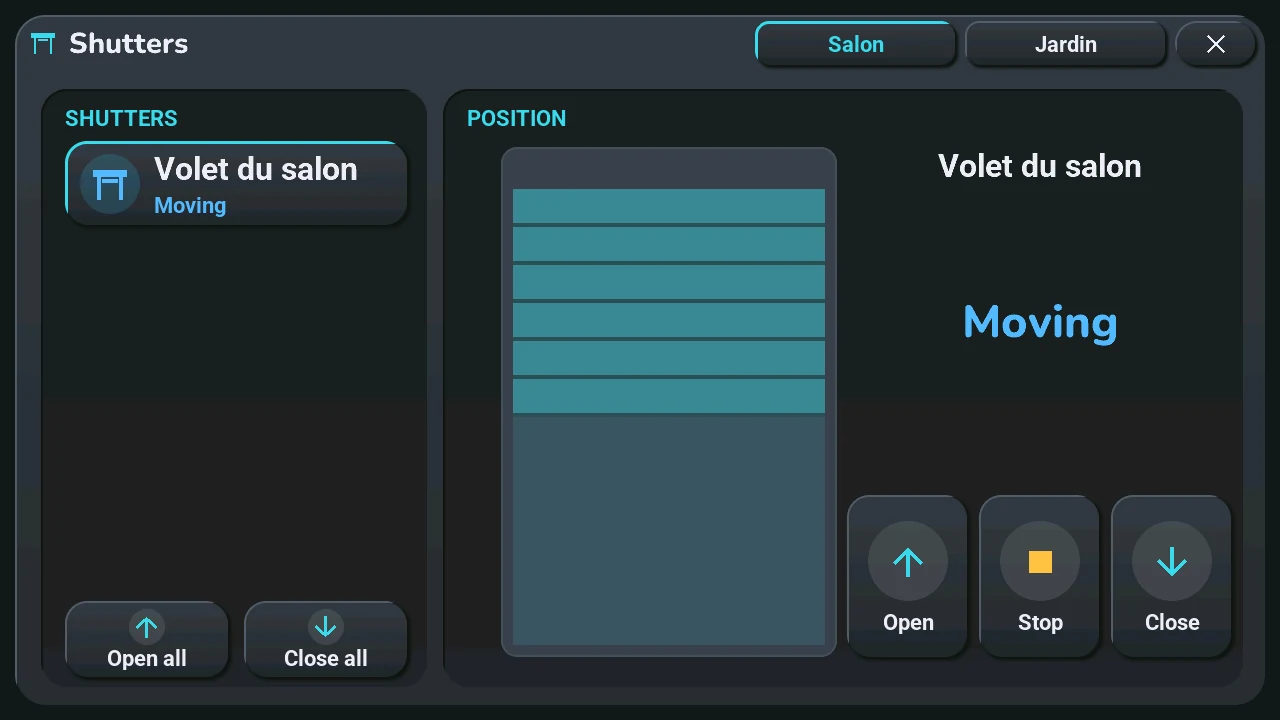
A shutter that does not report its position cannot be dragged: the drawing shows its state (open at the top, closed at the bottom, half-way with faded slats otherwise) and the words, without a number:
A shutter card set to confirm or read-only in the blueprint is not in this window: its long press sends the other way, open or close, after a second press (customised cards).